


DataSettings

Data not working?
Add these quick settings into your phone and let your Melon SIM do its thing.
Open Settings

Tap Mobile Data
.png)
Tap Mobile Data Network
.png)
Update all APN sections, type: ws.melon.mvno
.png)
Quick search to find 'APN' in 'Settings'
.png)
Open Settings
.png)
Tap Network and Internet or Mobile network
.png)
Add a new APN (from three dot menu or plus sign)
.png)
Change APN name to Melon
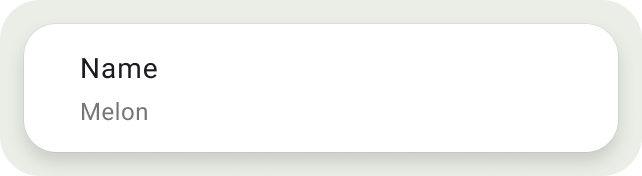
Under APN insert: ws.melon.mvno
.png)
Before you start blaming your phone, your SIM, or your partner, it might just be your APN settings. Here’s a quick how-to to fix the problem and get your data doing data things again.

Still got questions?

We're here for you

